A guide for investigators
Using ChatGPT or Copilot on client files
Your AI assistant can read a case file in minutes. Before it reads a client’s, make sure it’s on a plan meant for business: one that keeps your data out of training and comes with a data processing agreement. This guide covers which plans those are, the settings to check, how to set up the case, and the paperwork your client will ask for.
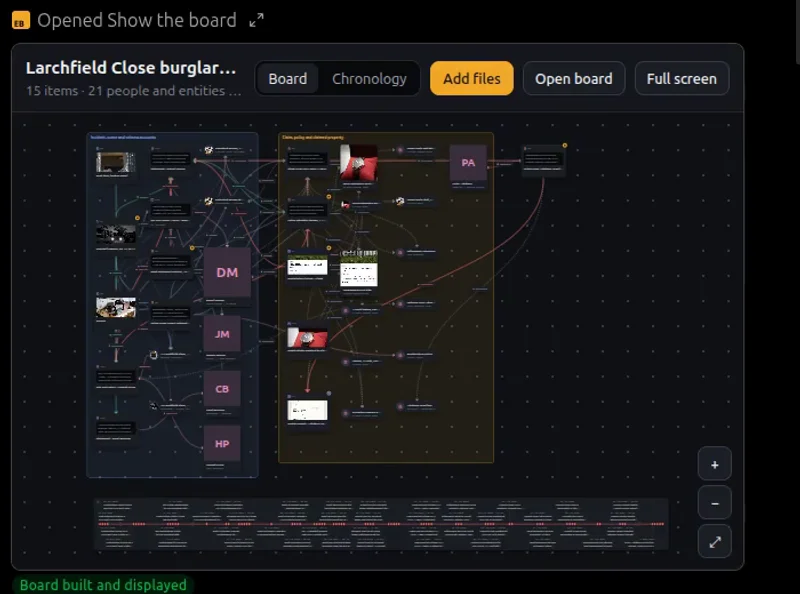
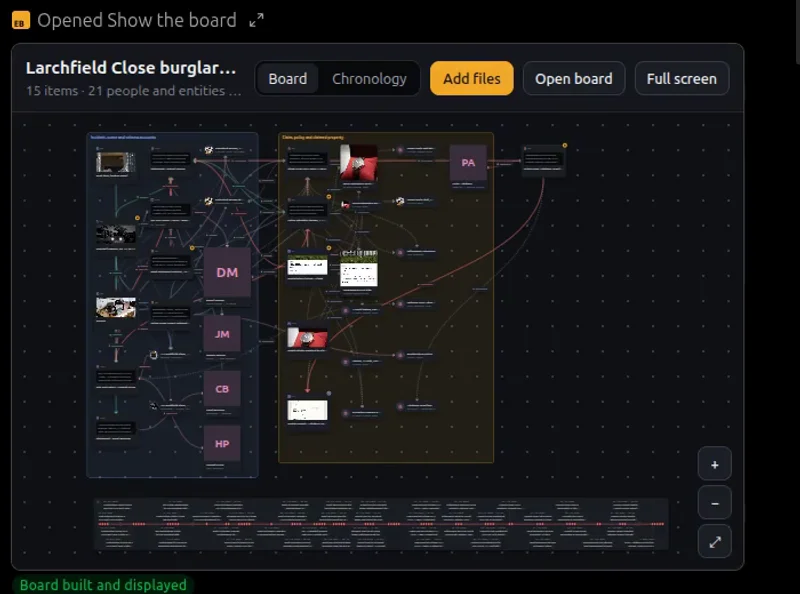
Checked 26 November 2026 · evidence.mtgtechnical.com/guides/ai-on-client-files
MTG Technical Consulting Ltd · Registered in England and Wales no. 17342687 · ICO registration ZC295997
Guides · for investigators
Using ChatGPT or Copilot on client files
Your AI assistant can read a case file in minutes. Before it reads a client’s, make sure it’s on a plan meant for business: one that keeps your data out of training and comes with a data processing agreement. This guide covers which plans those are, the settings to check, how to set up the case, and the paperwork your client will ask for.
Use a business plan, not a personal one
Personal plans aren’t meant for client work. On most of them your chats can be used to train the provider’s models unless you turn it off, and there’s no data processing agreement. Claude’s UK terms for personal plans don’t allow business use at all.
ChatGPT
- Fine for client work:
- Business, Enterprise
- Not for client work:
- Free, Go, Plus, Pro
- Your data isn’t used for training by default. A data processing agreement comes with the business terms. On Enterprise, data can be stored in the UK.
Microsoft Copilot
- Fine for client work:
- Copilot and Copilot Chat, signed in with your work account
- Not for client work:
- Copilot with a personal Microsoft account
- Enterprise data protection: your prompts and answers aren’t used to train the models, and Microsoft’s data protection terms cover them. For a UK organisation, they’re stored in the UK.
Claude
- Fine for client work:
- Team, Enterprise
- Not for client work:
- Free, Pro, Max, Ultra
- Your data isn’t used for training. A data processing agreement is part of the terms. Data is stored in the US.
| Assistant | Fine for client work | Not for client work | What the business plan gives you |
|---|---|---|---|
| ChatGPT | Business, Enterprise | Free, Go, Plus, Pro | Your data isn’t used for training by default. A data processing agreement comes with the business terms. On Enterprise, data can be stored in the UK. |
| Microsoft Copilot | Copilot and Copilot Chat, signed in with your work account | Copilot with a personal Microsoft account | Enterprise data protection: your prompts and answers aren’t used to train the models, and Microsoft’s data protection terms cover them. For a UK organisation, they’re stored in the UK. |
| Claude | Team, Enterprise | Free, Pro, Max, Ultra | Your data isn’t used for training. A data processing agreement is part of the terms. Data is stored in the US. |
Which Copilot? Microsoft calls both its work and personal versions Copilot. The work one shows a Work label and a green shield.
Using another assistant? Check its business plan the same way: no training on your data, and a data processing agreement. Gemini can’t add Evidence Board on a work account yet.
Starting from scratch? If your firm runs on Microsoft 365, use Copilot with your work account. Otherwise, ChatGPT Business: Evidence Board is in ChatGPT’s directory, so there’s nothing to install.
Check these settings
ChatGPT Business or Enterprise
- Check Evidence Board is allowed in the admin console, under Plugins. On Business they’re on unless an admin turns them off; on Enterprise, an admin turns each one on.
- OpenAI’s data processing agreement comes with its business terms. If your client wants a signed copy, its business privacy page has a form.
- On Enterprise, set how long chats are kept. UK data storage is chosen when a new workspace is set up.
Microsoft Copilot
- Evidence Board’s agent is in Microsoft’s Agent Store. If your organisation limits which agents people can add, your IT team allows it once in the Microsoft 365 admin centre.
- If your data policies cover connectors, they cover this one too: allow it. The agent needs a Microsoft 365 Copilot licence, or pay-as-you-go credits on Copilot Chat.
- Everyone then signs in with their own Evidence Board account, so each person reaches only their own cases.
Claude Team or Enterprise
- An owner adds Evidence Board under Organization settings › Connectors; each person then connects it.
- Consider turning off chat ratings: a thumbs up or down sends that conversation to Anthropic.
- On Enterprise, set how long chats are kept.
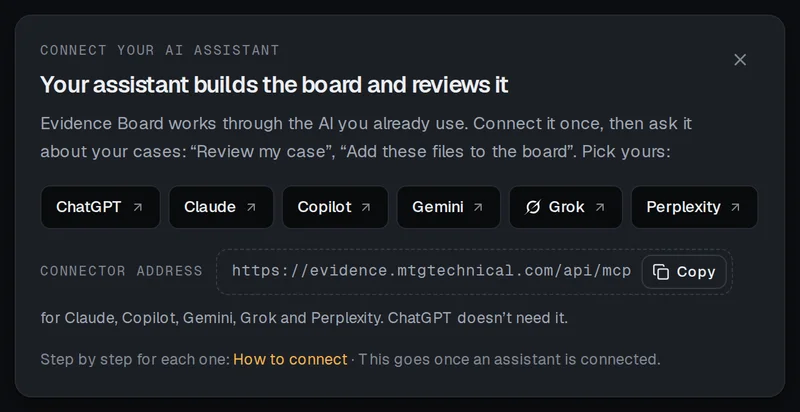
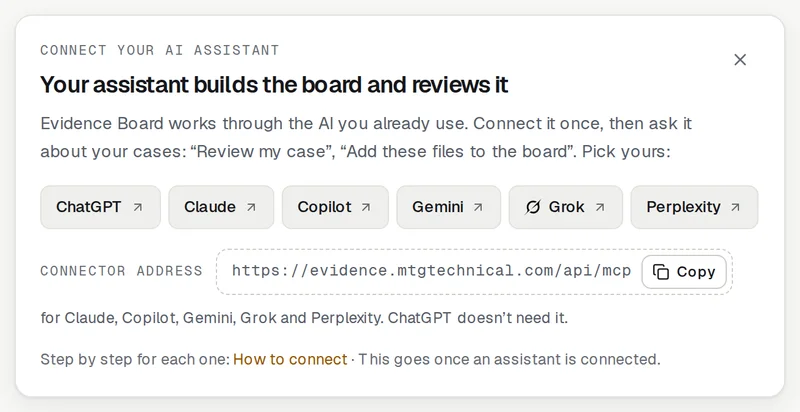
On any plan, don’t rate client conversations with a thumbs up or down: feedback is how a business chat can reach a provider. Delete chats when the case closes, as your client’s retention rules say. Connecting an assistant to Evidence Board takes a minute, from the card on your cases page.
Set up the case in Evidence Board
A few minutes on each new case keeps a client’s data to the people who should see it, and for no longer than it should be kept.
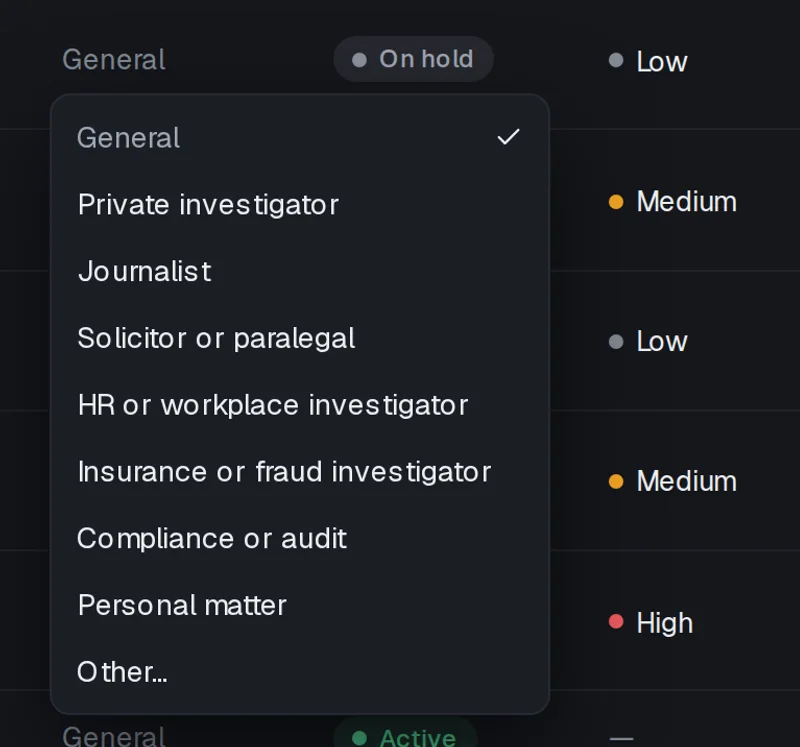
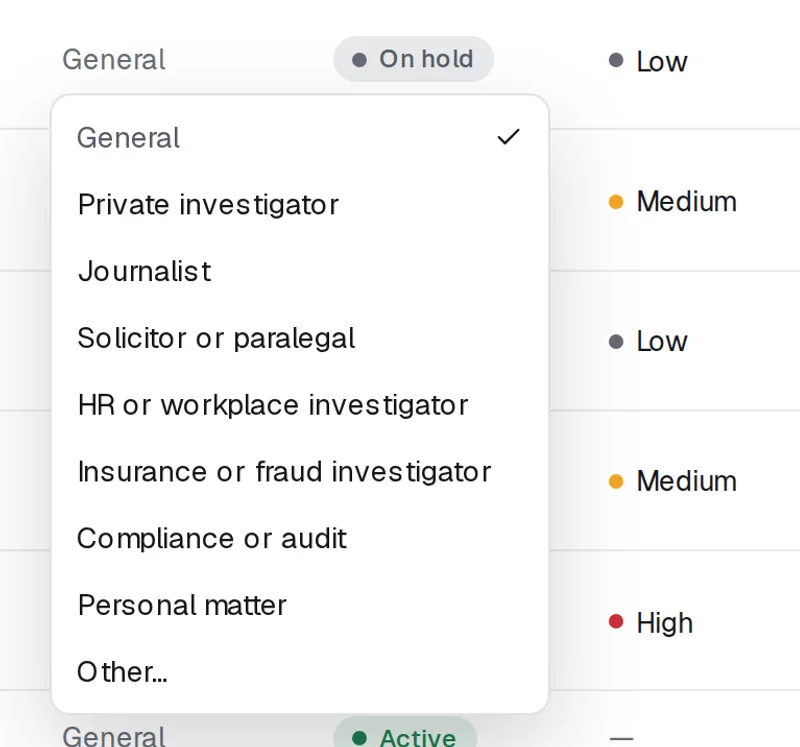
Say whose view it is
Set the case’s role, such as HR or workplace investigator. Your assistant reviews the case from that point of view, and the findings stay yours.
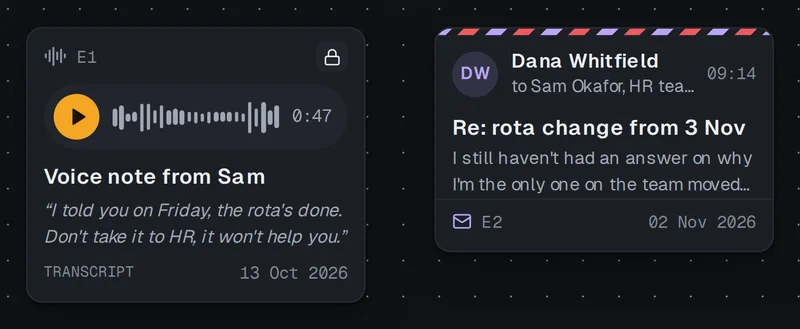
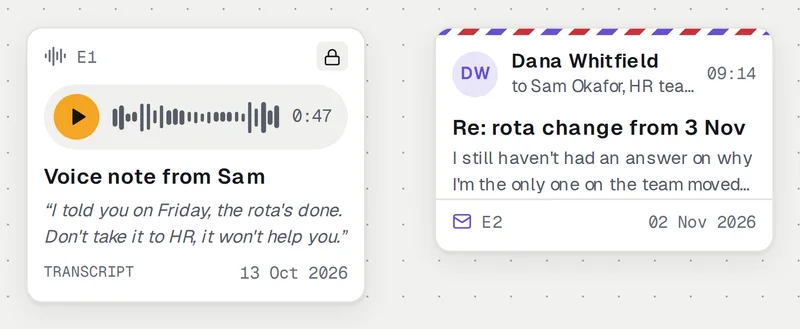
Keep sensitive items confidential
Mark an item confidential and people you invite without confidential access don’t see it, and neither does their assistant.
Require two-step sign-in
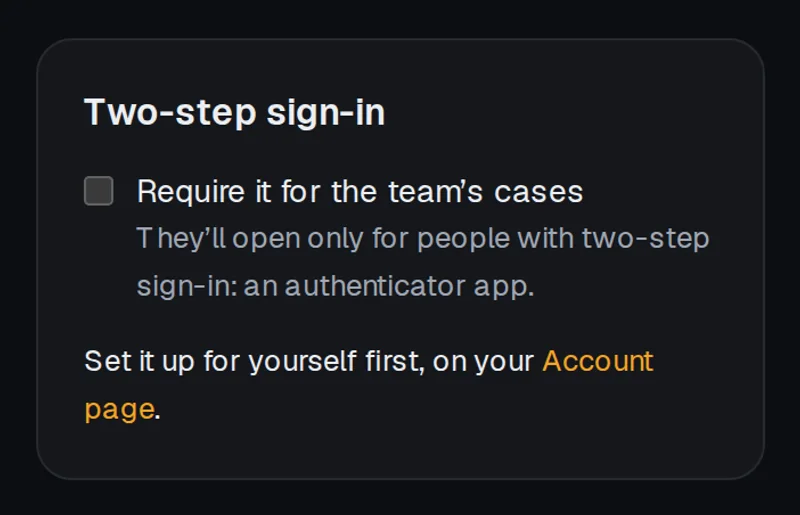
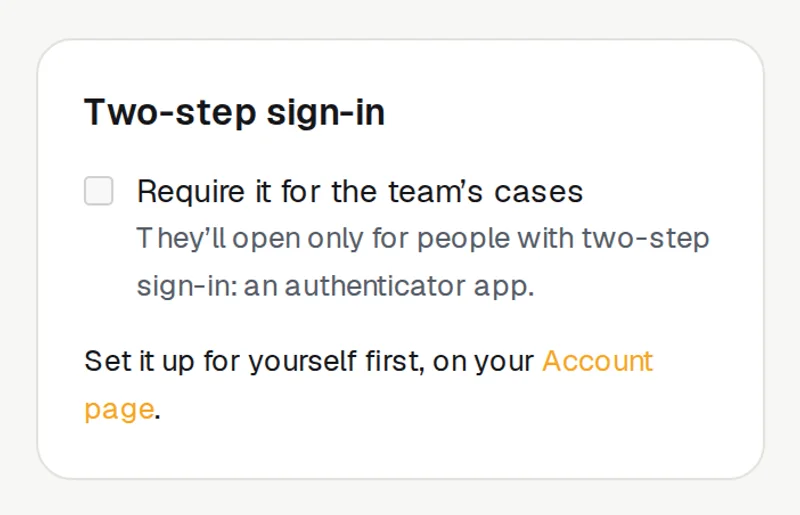
Anyone can turn it on, and a team’s admin can require it for the team’s cases. Connecting an assistant always asks for the code.
Set when it’s deleted
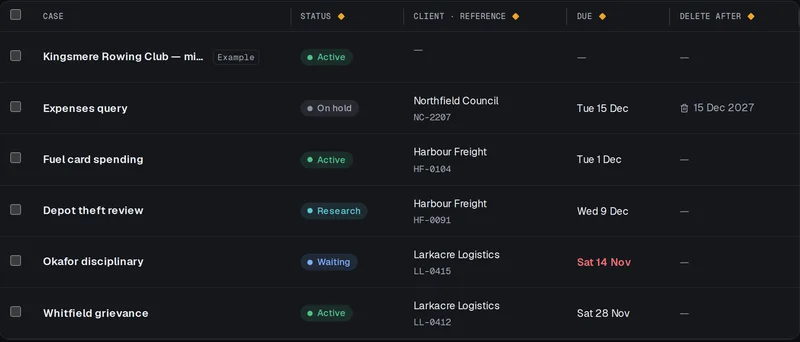
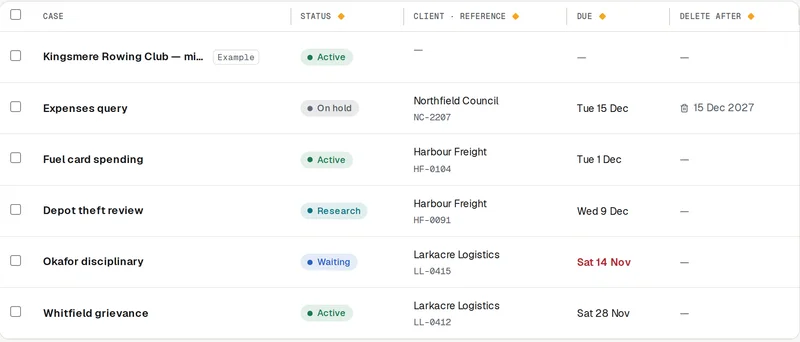
Give the case the date your client’s retention period ends. You’re reminded twice, it’s deleted on the day, and you get a confirmation for your records. On Pro and Team.
The paperwork
- Your client is the controller and you’re its processor. Evidence Board and your AI provider are your sub-processors: tell your client you use both, as your contract with them will usually require.
- Your client decides the lawful basis, and the condition for special category data, such as health or trade union membership, which HR cases often hold.
- What your assistant reads goes to its provider under your agreement with them. Even where it’s stored in the UK, it may be processed elsewhere: put that in your DPIA.
What a public-sector client will ask
- Where is the data hosted?London, UKYour assistant’s provider is separate: see step 4.
- Is it used to train AI?NoNor by your provider, on the plans in step 1.
- Registered with the ICO?YesRegistration number ZC295997.
- A data processing agreement?Ready to signevidence.mtgtechnical.com/dpa
- A DPIA?On requestWith a section your client can use for its own.
- Two-step sign-in?YesA team’s admin can require it for the team’s cases.
- Cyber Essentials?Not yetGovernment and NHS contracts ask for it where a supplier handles personal information (PPN 014). Ask your client whether it applies to yours.
- NHS Data Security and Protection Toolkit?NoIt’s for organisations with access to NHS patient data and systems. Evidence Board doesn’t connect to NHS systems.
- An independent penetration test?Not yet
| They ask | Evidence Board | Notes |
|---|---|---|
| Where is the data hosted? | London, UK | Your assistant’s provider is separate: see step 4. |
| Is it used to train AI? | No | Nor by your provider, on the plans in step 1. |
| Registered with the ICO? | Yes | Registration number ZC295997. |
| A data processing agreement? | Ready to sign | evidence.mtgtechnical.com/dpa |
| A DPIA? | On request | With a section your client can use for its own. |
| Two-step sign-in? | Yes | A team’s admin can require it for the team’s cases. |
| Cyber Essentials? | Not yet | Government and NHS contracts ask for it where a supplier handles personal information (PPN 014). Ask your client whether it applies to yours. |
| NHS Data Security and Protection Toolkit? | No | It’s for organisations with access to NHS patient data and systems. Evidence Board doesn’t connect to NHS systems. |
| An independent penetration test? | Not yet |
New to AI assistants? We’ll set it up with you.
Email support@mtgtechnical.com and we’ll take you through it on a short call. Evidence Board is free for 3 cases.
More guides
- Using AI for a workplace investigationHow to use ChatGPT or Copilot on a grievance or misconduct investigation: lay out the evidence, test each allegation, and keep the findings your own.
- Reviewing claim evidence with AIUse ChatGPT or Claude to check an insurance claim against its evidence: statements, photos, receipts and records on one board, with every point cited.
- A timeline from witness statementsHow to turn witness statements and documents into one chronology, with every entry linked to its source, and use it to find gaps and contradictions.
- Evidence board or case management?An evidence board tests the case; case management runs it. Evidence Board does both for investigations: what each covers, and what it leaves to other software.
Sources, checked 26 November 2026
Each provider’s own pages. Providers change their plans and terms, so check them before you rely on this.
- ChatGPT: data controls and training
- ChatGPT: business privacy and the data processing agreement
- ChatGPT: data residency
- ChatGPT: admin controls for plugins
- Claude: consumer terms
- Claude: commercial terms and data processing agreement
- Claude: training and feedback
- Claude: where data is stored
- Claude: custom connectors
- Claude: retention on Enterprise
- Microsoft Copilot: enterprise data protection
- Microsoft Copilot: work and personal accounts, and agents
- Microsoft 365: data stored in the UK
- Copilot Studio: data policies and MCP servers
- Gemini: custom connectors
- Cyber Essentials in public contracts (PPN 014)
- NHS Data Security and Protection Toolkit